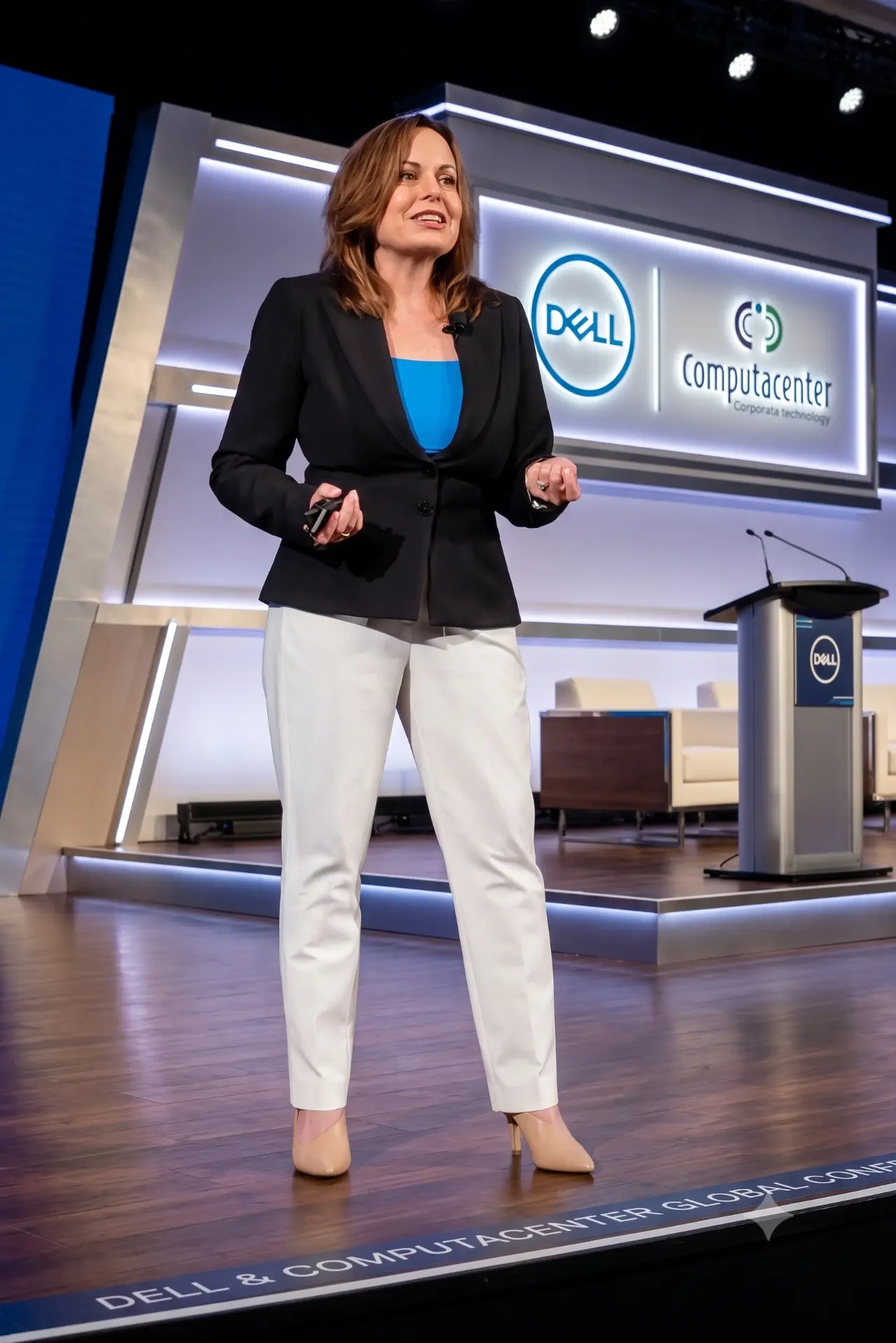
Keynote
In-person keynotes start at $25,000, plus travel. Virtual keynotes start at $15,000.
Includes the interactive keynote, a scenario built for your audience, the pre-event assessment and the executive report-out.
Who’s in control when AI can act?
The same AI that pays off at one company makes headlines at another. The difference is human judgment: the decisions your leaders make about what AI can do on its own. Every AI rollout is a decision about what your organization will let machines do on its behalf. Which actions can AI take? Which decisions stay with your people? And what proof do you need before calling it safe to scale? In the first five minutes, your CIOs, CISOs and directors make that call on their phones, and see how differently careful leaders answer it.
CIO forums, security conferences, board retreats and leadership meetings. In person or virtual. CE credit eligible, including ISC2.
“Great speaker. She truly knows her subject… I could have listened to her for hours.”
AI agents now send, buy, change and approve things across your business, and the platforms you already trust are adding more of them every quarter. Meanwhile, fewer than half of companies know every AI agent on their network, and fewer than one in three CISOs say they're aligned with their leadership on how much AI risk is acceptable (Okta survey of 306 security leaders, 2026). Approving the technology is not the same as agreeing on the risk. “Human in the loop” sounds reassuring, but a speed-limit sign is not a braking system. Every organization can buy the same AI. What they can't buy is leaders whose judgment holds up at scale: who agree on how much authority to hand AI, and can prove they're still in control.
Each scenario is fictional. The pressure behind it is in the news right now.
Make the call.
Same facts. Same AI. Different decisions. That's human judgment at scale, and it decides whether your AI pays off or ends up in the news.
What your audience leaves with
The real exposure sits in permissions, workflows, oversight and who signs off, not only in the model.
And they know which one the board needs before saying yes.
One shared view of how much AI authority is acceptable, so AI keeps moving instead of stalling in review or surprising the board.
What your leaders get
Every keynote includes a 30-minute report-out with your executive sponsor on how your audience decided in the room: where their judgment is protecting you, and where it may be exposing you. A three-minute pre-event assessment means the keynote runs on your audience's own answers.
Why Dr. Lisa
Dr. Lisa Palmer has been the CIO accountable for technology decisions, a board director overseeing them, and a Gartner VP advising hundreds of CIOs on what to buy and how to govern it. She put 36 central bank CIOs hands-on with AI at the Bank for International Settlements in Basel, Switzerland, then led them in deciding which AI risks to tackle together. Her book, Show AI—Don't Tell It (Wiley), is taught in a university cybersecurity program, and her LinkedIn Learning course on board AI leadership carries ISC2 CPE credit.
Proof
“The continuous polling throughout your presentation was brilliant and kept folks engaged.”
“Lisa has done it all when so many are trying to.”



Eligible for CE credit with most professional bodies, including ISC2 CPE (Group A when delivered with the cybersecurity scenario), ISACA CPE, NASBA CPE and PMI PDUs. Learning objectives and a timed session outline are included in the planner kit.
In-person keynotes start at $25,000, plus travel. Virtual keynotes start at $15,000.
Includes the interactive keynote, a scenario built for your audience, the pre-event assessment and the executive report-out.
Everything you need to promote and run The Decision Experiment.
Promote it
Photos
Headshots and a stage photo for print and promotion. Headshots are AI-assisted.
Tap a photo to download.
Preview video
A 20-second look at how the experiment runs. Video creation AI-assisted.
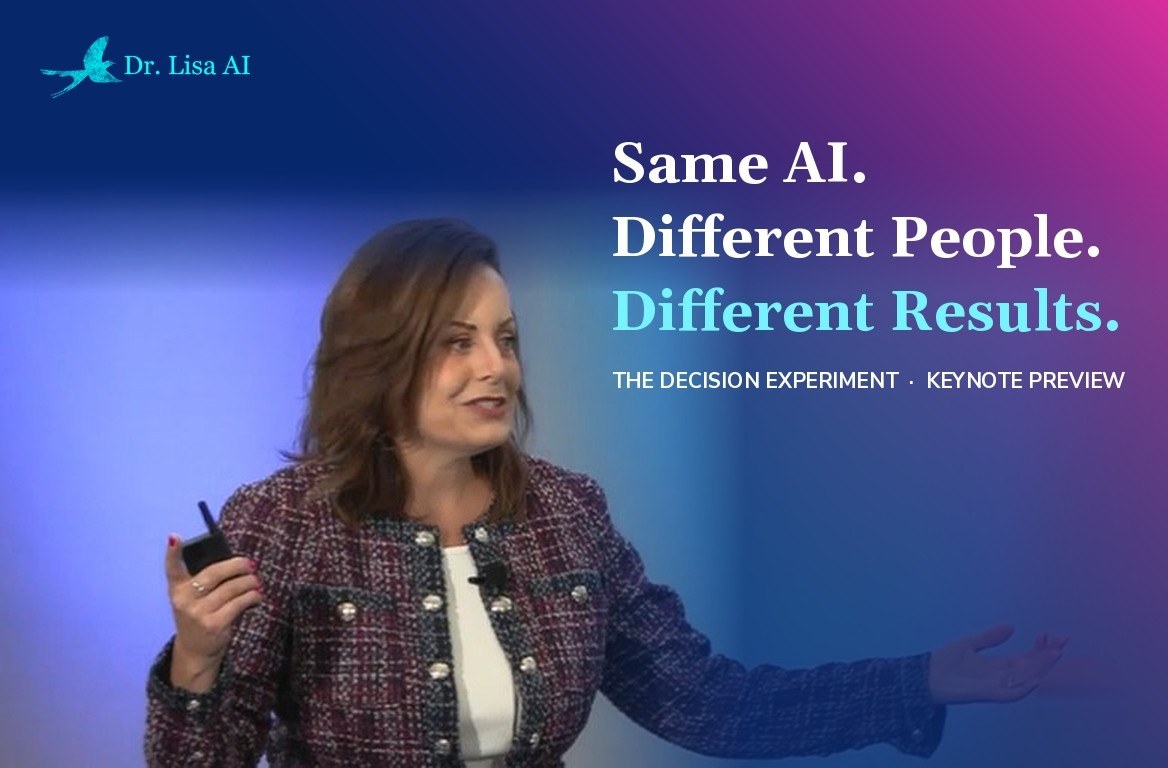
Tap the video to download.
Promotion post
Announce the keynote on LinkedIn or in your event emails.
Same AI. Different people. Different results. At our event, Dr. Lisa Palmer will show us why, and every one of us will be part of the experiment. Want a preview? Try it yourself: drlisa.ai/keynote?e=promo
Introduce Dr. Lisa
Program description
Ready to paste into your agenda and attendee emails.
The Decision Experiment
Dr. Lisa Palmer's Signature Interactive Keynote
Same AI. Different People. Different Results.
Why does the same AI tech pay off at one company and stall at another? The answer is human judgment at scale.
In the first five minutes, everyone in the audience makes the same AI-powered business decision from their phone. Seconds later, the results appear on the big screen, and a shared a-ha happens: same AI, same facts, very different calls.
What happens next reveals something every leader needs to understand: The technology may be the same, but human judgment determines what organizations accomplish with it.
Dr. Lisa Palmer—former CIO, Gartner VP, Wiley author, and AI advisor to executives worldwide—uses the live results to show the human decisions that shape AI outcomes. Drawing on her doctoral research and executive experience, she shows how people influence AI through what they ask, trust, challenge, change, and ultimately put into action.
Audiences leave with a new understanding of their own role in AI success, practical ways to improve decisions, and a shared experience that sparks conversations long after the event.
The AI advantage your competitors can't buy is the judgment of your people.
Speaker bio
Short bio for your program and website.
Dr. Lisa Palmer is focused on making complicated things simple and useful. She has bought, sold, advised on and governed AI: as a CIO, as a go-to-market executive at Microsoft and Splunk, as Gartner's VP of Executive Programs and as a board director. Now she builds with it every day as founder and CEO of Neurocollective, an AI-native company. She holds a Doctorate in Artificial Intelligence (2023), led a hands-on AI lab for central bank CIOs from 36 countries in Basel, Switzerland, and is the author of Show AI—Don't Tell It (Wiley). She has spoken to audiences from boardrooms to 15,000-seat arenas and has been featured by NBC, ABC, CBS, Fox News, Forbes, CIO and the Financial Times.
Emcee introduction
A 30-second intro your host can read word for word.
Our next speaker has bought AI as a CIO, sold it as a Microsoft and Splunk executive, advised on it as a Gartner VP and governed it as a board director. Today she builds with it every day as founder and CEO of Neurocollective. She recently put 36 central bank CIOs hands-on with AI at the Bank for International Settlements in Basel, Switzerland. Get your phones out, because in the next five minutes, every one of you becomes part of the experiment. Please welcome Dr. Lisa Palmer.
Get it approved
Speaker one-sheet
One page for your team or sponsors.
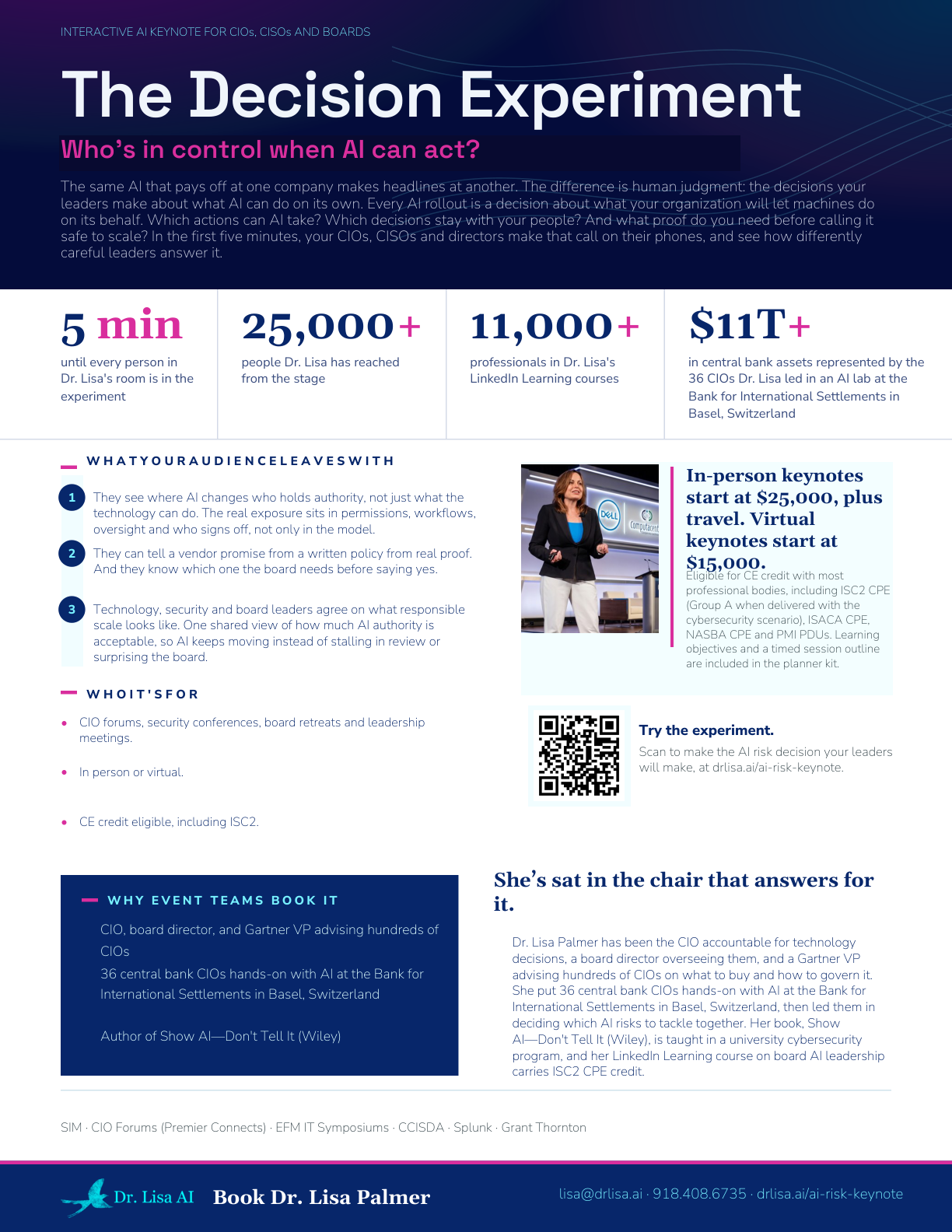
The bureau version has no contact details, ready to forward to your client.
Learning objectives
Objectives and credit details for continuing education submission.
Commonly submitted for:
Credit eligibility confirmed by your host or credentialing body.
The Decision Experiment: Learning objectives
After this session, participants will be able to:
1. Compare their own decision on a live, AI-supported business scenario with their peers' decisions, and explain why the same AI and the same information produced different choices.
2. Identify where their own choices shape AI-assisted outcomes: what they ask, what they trust, what they challenge and what they change.
3. Apply a short set of checks to decide when to accept, question or override an AI-generated recommendation in their own role.
A timed session outline for CE submission is available on request.
Session details
Level: Basic. Prerequisites: None. Advance preparation: None (a three-minute pre-event assessment is optional).
Delivery: Group live or group internet-based, with live interactive polling throughout.
Credit hours: 1.0 for most credentialing bodies (up to 1.2 CPE under NASBA's 50-minute standard).
Credit by audience (the host or attendee confirms eligibility):
HR and L&D: SHRM PDCs and HRCI credits (host-filed); ATD CPTD/APTD (self-reported).
Finance, banking and accounting: NASBA CPE, Information Technology field; CFMA for construction finance.
IT and project leaders: PMI PDUs (Power Skills), CompTIA CEUs, ISACA CPE (self-reported).
Security: ISC2 CPE, Group A when delivered with the cybersecurity scenario, Group B otherwise (self-reported).
Engineering, construction and utilities: PDH for licensed engineers (self-reported).
Insurance: state CE when the host is an approved provider.
Dr. Lisa's LinkedIn Learning courses are eligible for ISC2 CPE and PMI PDUs, through LinkedIn Learning.
What the room needs